Amonbet Mobile App: iOS, Android and APK Download Guide
Amonbet launched in 2024 under a Curacao eGaming licence held by AMO GLOBAL, S.R.L., and lists the United Kingdom among its markets with an English-language site. This independent review looks at exactly what exists on mobile: what is documented, what is only listed on a third-party file host, and what UK players realistically end up using day to day.
Table of contents
- Amonbet Mobile App Overview: What Actually Exists
- How To Get Amonbet On iOS: iPhone And iPad
- Amonbet Android App And APK Download
- Mobile App Features And Games
- Mobile App User Experience
- Playing Without Downloading: The Mobile Browser Route
- Frequently Asked Questions about Amonbet
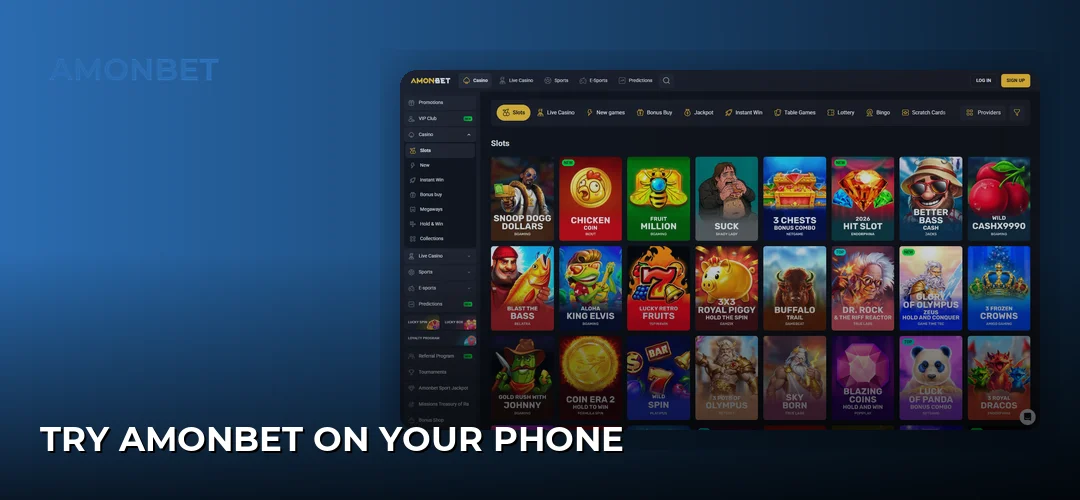
- Try Amonbet On Your Phone
Amonbet Mobile App Overview: What Actually Exists
The reviewed casino lists a mobile app among its advantages, and the platform is documented as compatible with both PC and mobile. The only downloadable file traced in the sources is an Android APK (20.0 MB, Android 8.0 or newer) hosted on APKPure. No official UK store link is stated anywhere in the sources.
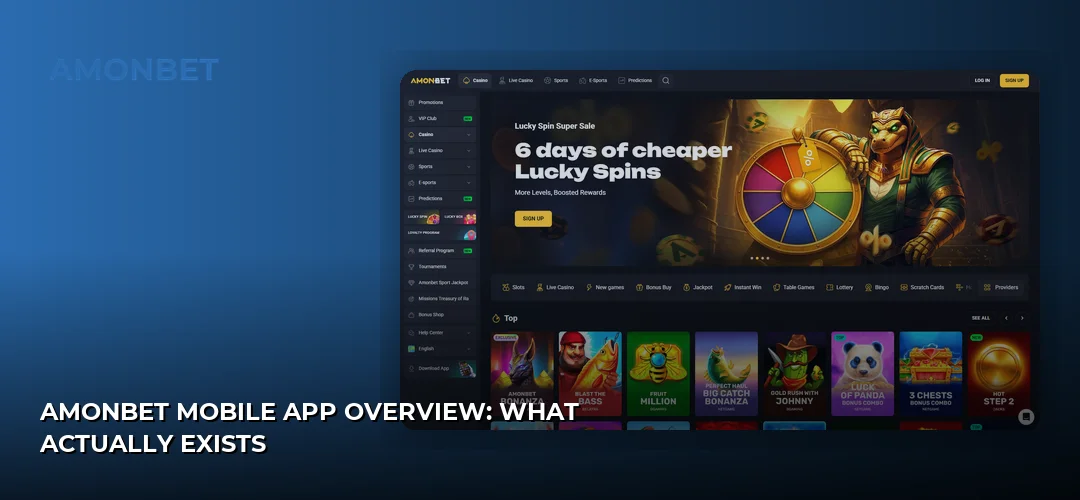
That distinction matters for anyone searching for an Amonbet casino app rather than a mobile site. A native client and a browser-based mobile version are not the same product: the browser version is served by the operator directly and always reflects the current site, while an APK is a packaged file whose origin has to be verified before installation. The APKPure entry named AMONbet is published by Tarpara Technology and is described there as a quiz app, so it is not confirmed to be the casino client. Until the operator publishes a signed download from its own domain, the safest route for UK players — on both platforms — is the mobile browser.
| Access route | Availability in sources | Requirement | Where it comes from |
|---|---|---|---|
| Android APK | Listed, but not confirmed as the casino client | Android 8.0+, 20.0 MB free space, unknown-sources permission | APKPure listing published by Tarpara Technology |
| iOS (iPhone / iPad) | No iOS download listed | Safari or another mobile browser | The Amonbet site loaded directly |
| Mobile browser | Available on both platforms | Any current mobile browser and a data connection | The Amonbet site loaded directly |
System requirements are therefore short: for the APK route, Android 8.0 or higher and roughly 20 MB of storage before the app expands with cached data; for everything else, a phone or tablet capable of running a modern browser. No minimum RAM, chipset or iOS build is published by the operator, so any figure you find quoted elsewhere is not sourced from Amonbet itself.
How To Get Amonbet On iOS: iPhone And iPad
There is no Amonbet iOS app documented in the available sources — no App Store listing, no TestFlight build, no signed enterprise profile. iPhone and iPad users reach the casino by opening the site in Safari, Chrome or Firefox and logging in as normal. Every account function stays available through that route.
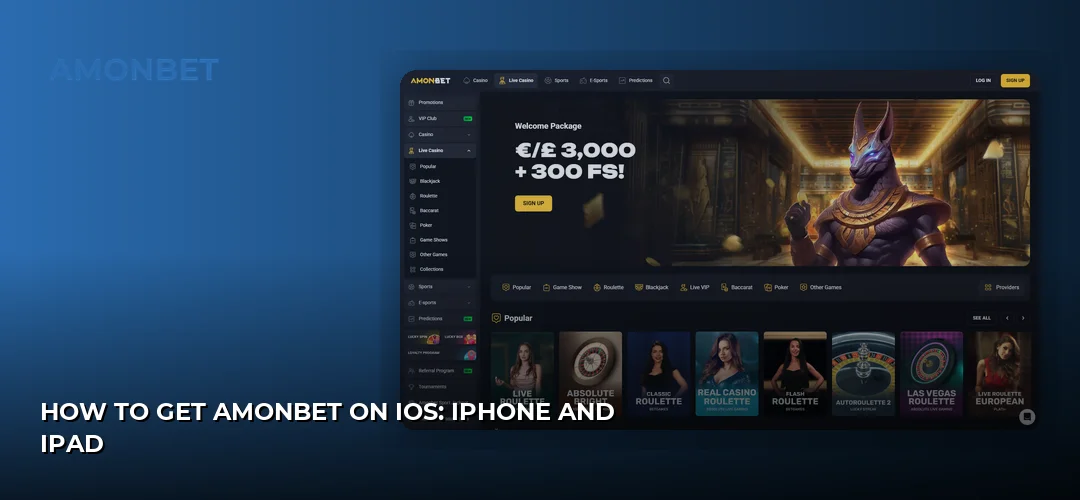
The practical workaround on iOS is the home-screen shortcut. Open the Amonbet site in Safari, tap the share icon, choose Add to Home Screen, and iOS creates an icon that launches the casino full-screen without the browser chrome. It behaves like an app for launching purposes, keeps your session cookies, and costs nothing in storage beyond the browser cache. Apple Pay is listed among the cashier methods for UK players, which means the payment step on an iPhone can be completed with Face ID or Touch ID rather than by typing card details — the closest thing to a native-app convenience that iOS users currently get here.
Because the site is served rather than compiled, performance depends on the browser and connection rather than on a specific handset generation. Live dealer streams are the heaviest content on any phone; on a weaker connection, dropping the stream quality inside the game window is more effective than switching devices.
Amonbet Android App And APK Download
An APK named AMONbet is listed on APKPure at 20.0 MB and requires Android 8.0 or newer. It is not published by AMO GLOBAL, S.R.L. — the listed publisher is Tarpara Technology, and the entry is categorised as a quiz app. On that evidence it should not be treated as the casino client, and downloading it will not necessarily give you a gambling account.
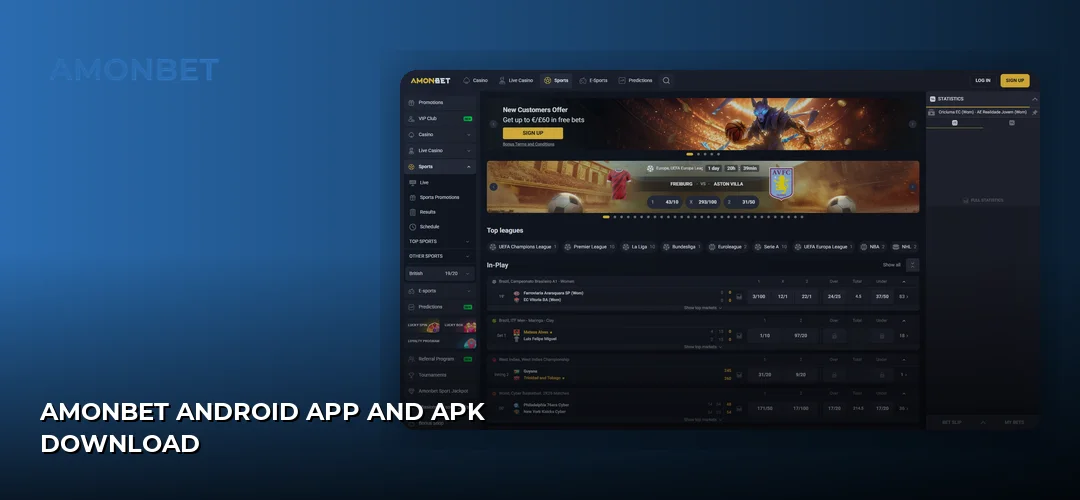
Android users who want an app-style launcher can use the same shortcut method as iOS: open Amonbet in Chrome, tap the three-dot menu and choose Add to Home screen. This produces an icon that opens the casino directly, uses no additional storage of consequence, and cannot be an outdated or repackaged build — the two most common risks with sideloaded gambling APKs. If the operator later publishes an APK on its own domain, downloading it from there rather than from a mirror is the only version worth installing.
Installing The Amonbet APK Step By Step
If you choose to sideload any APK on Android, the process is the same regardless of source, and Android 8.0 changed how the permission works: instead of one global setting, permission is granted per app.
- Download the file to your device and note where it lands, usually the Downloads folder.
- Open Settings, then Apps, then Special app access, then Install unknown apps. Select the browser or file manager you used and toggle Allow from this source.
- Tap the APK file in your file manager and confirm the install prompt. Read the permission list before accepting.
- Revoke the permission afterwards by switching Install unknown apps back off for that browser. It takes seconds and closes the door on anything installing silently later.
- Log in with your existing credentials. An app never creates a second balance; it is a front end for the same account.
Common problems and what causes them:
- App not installed — usually a corrupted or partial download, or a mismatch with an existing package already on the device. Delete the old copy, clear the download and try again.
- Parse error — the file was built for a different Android version or the download was truncated. Check that the device runs Android 8.0 or newer.
- Play Protect warning — Android flags any package it cannot verify. Treat this as a reason to stop and reconsider the source rather than as noise to dismiss.
- Login fails after install — registration requires phone number verification, so an unverified account can block sign-in. The account side is covered here: Amonbet registration process.
Mobile App Features And Games
The mobile version carries the same catalogue as the desktop site, because it is the same platform rendered for a smaller screen. Studios represented include Pragmatic Play, NetEnt, Play’n GO, Microgaming, Yggdrasil, Betsoft, Quickspin, Hacksaw, Thunderkick, Wazdan, Spinomenal, BGaming, Endorphina, Amatic, Belatra, Evoplay, RubyPlay, 3 Oaks, Netgame, Novomatic, Playtech and Evolution.
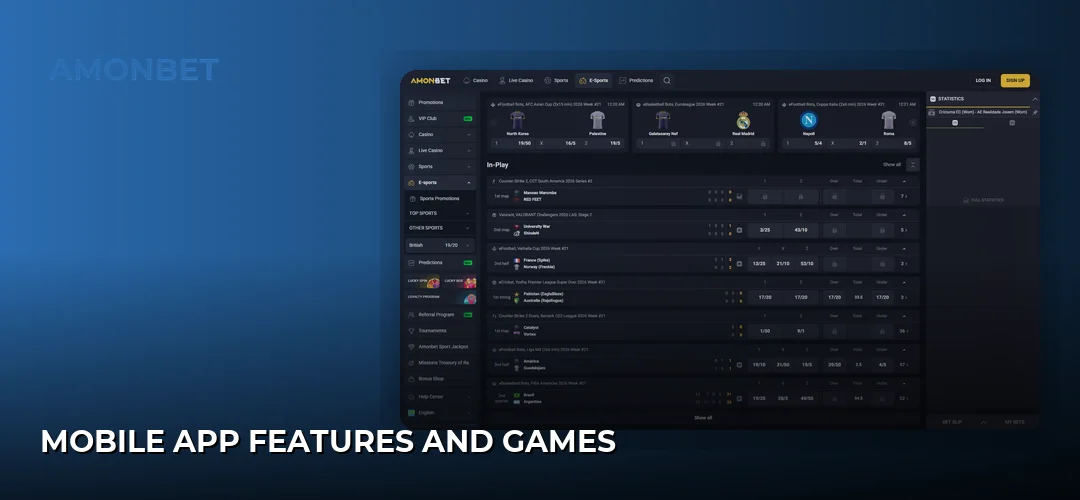
Modern slot titles from these suppliers are built in HTML5 and scale to portrait orientation without a separate mobile build, so the reel game you open on a phone is the same game with the same maths as on desktop. The wider reel selection is covered here: Amonbet slot games. Dealer-hosted tables from Evolution and Playtech stream to phones as well, with bet spots resized for touch; that side of the catalogue is covered here: Amonbet live dealer tables. The operator’s published win rate is 97%, listed by Refun, and it applies to the platform rather than to any individual device.
No mobile-exclusive games, tournaments or app-only bonuses are documented by the operator, so treat any claim of an app-only offer with scepticism. The weekly cashback promotions run on the account, not the device: Weekly Live Cashback up to 10% capped at 500 EUR/GBP with no wagering, and Weekly Slot Cashback with code BACK10 at 10% up to 500 EUR/GBP with 30x wagering.
Mobile App User Experience
Navigation on a phone collapses the desktop lobby into a hamburger menu plus a search field, with game tiles stacked two or three across depending on screen width. Filtering by provider is the fastest way to reach a specific title on mobile, since scrolling a full lobby on a 6-inch display is slow work.
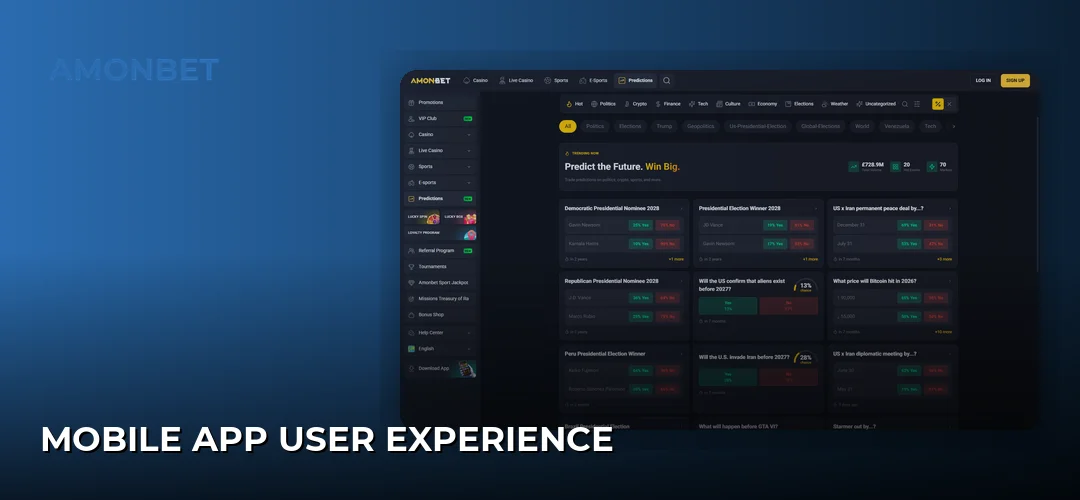
Cashier operations work in the same mobile view. UK players are documented as having Visa, Mastercard and Maestro cards, e-wallets including Skrill, Neteller and PayPal, bank transfer, Google Pay and Apple Pay, plus crypto rails covering Bitcoin (BTC), Ethereum (ETH), Litecoin (LTC), Dogecoin (DOGE), Bitcoin Cash (BCH) and Tether (USDT). The minimum deposit is €10 in the review, with a 20 EUR minimum listed on most cashier methods, and the minimum withdrawal is €20. Google Pay and Apple Pay are the two methods that genuinely benefit from a phone, since biometric confirmation replaces manual card entry. Overall payout speed is quoted at 1-5 days, with e-wallets at instant to 24 hours and cards at 3-5 business days.
Touch controls are handled at game level by each studio rather than by a wrapper app, which is why spin buttons and bet sliders differ slightly between suppliers. Promotional messaging arrives by on-site banner and email; because there is no confirmed native client, push notifications to the lock screen are not a documented feature, and nothing about the mobile route pushes offers at you outside the browser.
Playing Without Downloading: The Mobile Browser Route
The browser version is the practical default for UK players on both platforms. It requires no installation, no unknown-sources permission and no storage allocation, and it always runs the current build of the site — the single biggest advantage over any sideloaded package, which can silently fall behind.
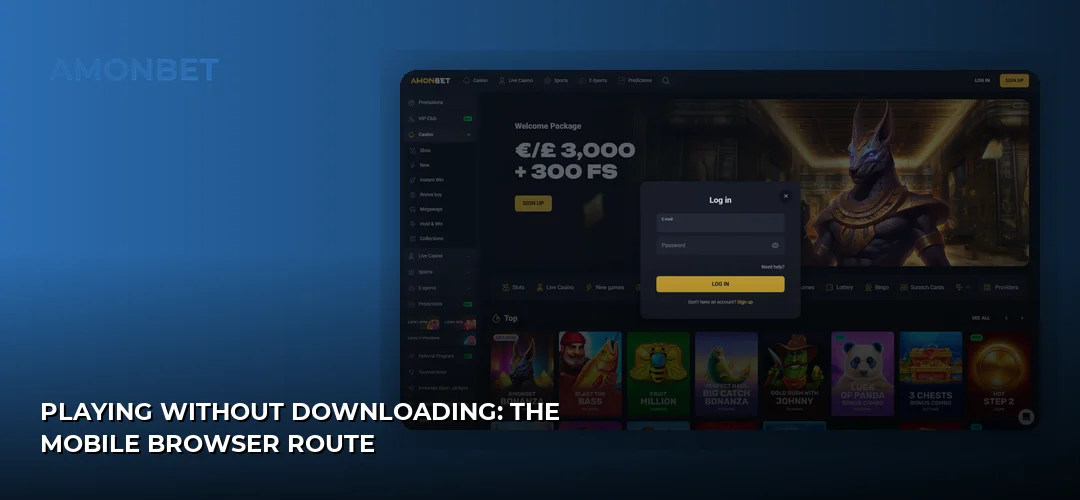
Feature parity is effectively complete: registration and phone verification, deposits and withdrawals, promotions, live chat and the full game catalogue all work in a mobile browser. Any current version of Chrome, Safari, Firefox, Edge or Samsung Internet will render the site. The trade-offs against a native client are the ones you would expect — no offline launcher icon unless you create the home-screen shortcut yourself, and no push notifications — and neither affects gameplay. Background on the operator, its licence and its UK positioning sits here: Home.
One caution applies to the licence rather than the device. Amonbet holds a Curacao eGaming licence, not a UK Gambling Commission licence, and Curacao is not as stringent a regulator as the UKGC. That is a decision to make before you install anything or deposit, on any platform.
Frequently Asked Questions about Amonbet
Does Amonbet Have A Mobile App?
The casino review lists a mobile app among the platform’s advantages, and the site is documented as compatible with PC and mobile. However, the only downloadable file traced in the sources is an Android APK on APKPure, and no official store link is published. In practice, most UK players use the mobile browser version.
How Do I Download The Amonbet App For iOS?
No iOS download is documented — there is no App Store listing stated in the sources for iPhone or iPad. Open the Amonbet site in Safari instead, then tap the share icon and choose Add to Home Screen. That creates a full-screen launcher icon with the same functions, including Apple Pay deposits.
Where Can I Get The Amonbet APK For Android?
An APK named AMONbet is listed on APKPure at 20.0 MB, requiring Android 8.0 or newer. It is published by Tarpara Technology and described there as a quiz app, so it is not confirmed to be the casino client. No official APK is hosted on the operator’s own domain in the sources.
Is The Amonbet Mobile App Safe To Download?
The APKPure file cannot be verified as the operator’s own client, so it should not be treated as safe by default. Sideloading any unverified gambling APK carries real risk. Loading the site in Chrome or Safari avoids the issue entirely, since the connection goes straight to the operator with no third party in between.
Can I Play All Games On The Amonbet Mobile App?
Yes. The mobile view serves the same catalogue as desktop, including titles from Pragmatic Play, NetEnt, Play’n GO, Yggdrasil, Hacksaw, Wazdan and BGaming, plus live tables from Evolution and Playtech. Modern HTML5 slots scale to portrait automatically. No mobile-exclusive games or app-only sections are documented by the operator.
Do I Need To Download The App Or Can I Play In Browser?
You can play entirely in a browser. Registration with phone verification, deposits, withdrawals, promotions, live chat and every game work in Chrome, Safari, Firefox, Edge or Samsung Internet. Given that no official download is published for either platform, the browser is the recommended route for UK players on iOS and Android alike.
What Are The System Requirements For The Amonbet Mobile App?
The listed APK needs Android 8.0 or newer and 20.0 MB of storage. For browser play, any device running a current mobile browser and a stable connection is sufficient. The operator publishes no minimum iOS version, RAM or chipset requirement, so live dealer streaming quality depends mainly on your connection.
Can I Claim Bonuses Through The Amonbet Mobile App?
Yes — promotions attach to the account, not the device. The welcome bonus is 125% up to €750 plus 100 Bonus Spins, with 40x wagering, a €20 minimum deposit for the deposit offers and a 7-day window to complete wagering. The code EX10FS credits 10 no-deposit free spins. Full terms: Amonbet bonuses and promotions.
Try Amonbet On Your Phone
If the browser route suits you better than an unverified APK, the fastest way to check the mobile lobby is to open the casino on your own handset and add it to your home screen.